

Key Takeaways
- Lithium-ion batteries degrade faster when regularly charged to 100% or drained to 0%.
- Heat is one of the biggest enemies of battery health — avoid charging under pillows or in hot cars.
- Keeping your battery between roughly 20% and 80% is widely recommended for long-term health.
- Most modern phones have built-in tools to help limit overcharging — they're worth enabling.
- Cheap, uncertified chargers can deliver inconsistent power that stresses battery cells over time.
Why Charging Habits Matter More Than You Think
Your phone's battery is a consumable — it has a finite number of charge cycles before its capacity noticeably drops. Lithium-ion batteries, the type used in virtually all modern smartphones, are sensitive to how they're charged and stored. Small daily habits, repeated over months, can meaningfully accelerate that decline.
The good news is that most of the damage is preventable without any special equipment or technical skill. Understanding why certain habits cause harm is the first step to changing them. If you've noticed your phone barely making it through a full day, some of the causes may trace back to how you've been charging it — explore more in our article on why your phone battery drains faster than it should.
~500
Typical full charge cycles before noticeable capacity loss
Battery manufacturers generally rate lithium-ion cells at around 300–500 full cycles before capacity drops to roughly 80% of original.
35°C+
Temperature at which battery degradation accelerates
Apple's published guidance notes that storing or charging devices at temperatures above 35°C (95°F) can permanently reduce battery capacity.
Common Charging Mistakes — and How to Fix Them
The following mistakes are easy to make because they seem harmless or even convenient. Each one, however, puts measurable stress on the cells inside your battery.
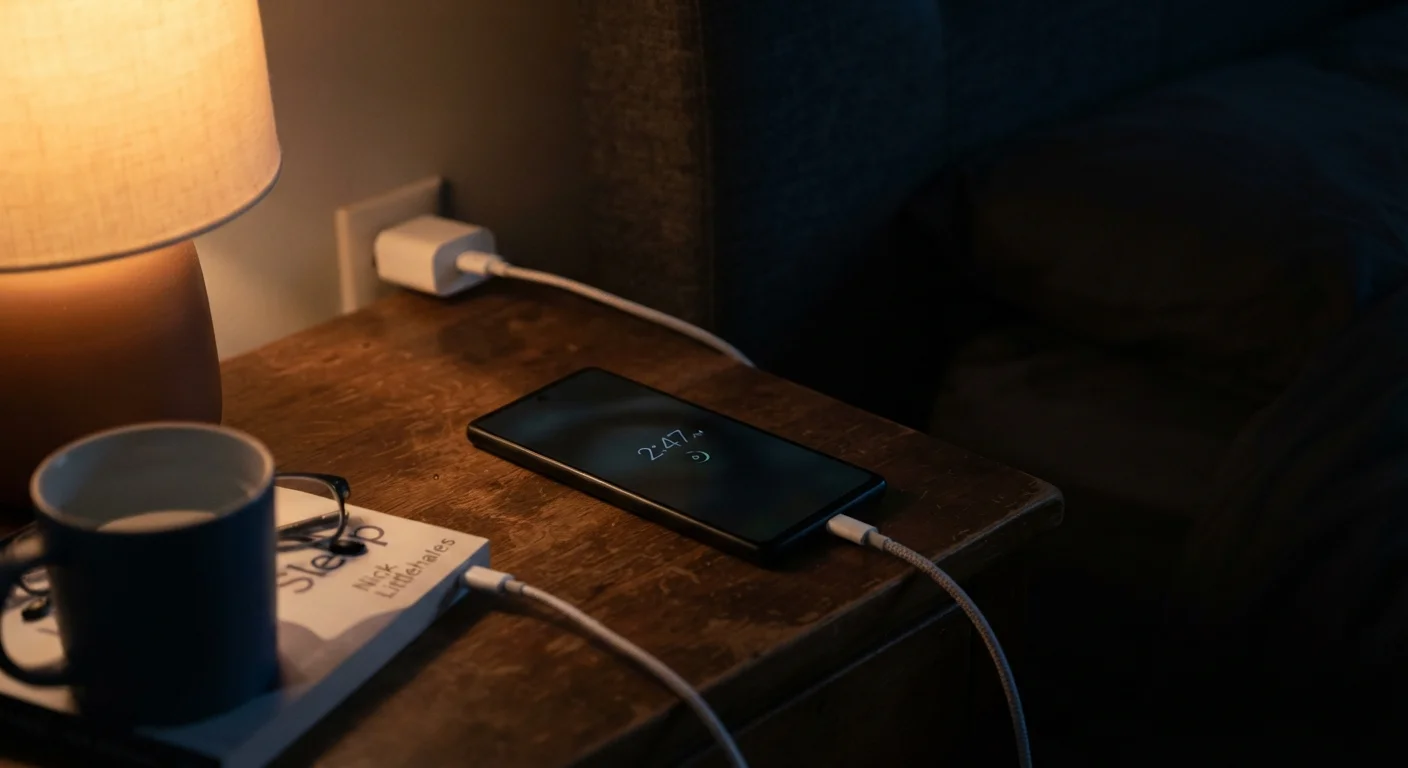
Leaving your phone plugged in at 100% for hours — such as charging overnight and leaving it connected all morning.
Why it happens: Overnight charging is deeply habitual and feels convenient. Most people assume that once a phone hits 100%, nothing harmful is happening.
Regularly draining the battery all the way to 0% before charging.
Why it happens: An older idea — true of nickel-cadmium batteries — suggested full discharge was necessary to maintain calibration. That logic doesn't apply to modern lithium-ion batteries.
Charging your phone in locations where heat builds up, such as under a pillow, inside a case that traps heat, or on a car dashboard in summer.
Why it happens: People often set their phone wherever is convenient at the time, without considering ambient temperature.
Using cheap, uncertified charging cables or wall adapters that didn't come with your phone.
Why it happens: Third-party cables and adapters are widely available and inexpensive. Without visible signs of a problem, it's easy to assume any charger that fits will work fine.
Topping up constantly throughout the day — plugging in for a few minutes whenever a charger is nearby, even at 70% or 80%.
Why it happens: Battery anxiety is real, and opportunity charging feels prudent. People plug in whenever they can "just in case."
Making adjustments doesn't require overhauling your routine. Small changes — like plugging in at 30% instead of 5%, or moving your phone off the charger before you leave the house — add up significantly over a device's lifespan.
Heat Damage Is Permanent
Unlike some forms of battery wear that accumulate gradually, heat damage to lithium-ion cells can cause irreversible capacity loss after just a few extended exposures to high temperatures. Never leave your phone on a car dashboard, in direct sunlight, or charging under bedding. If your device feels hot to the touch during charging, unplug it and let it cool before continuing.
Using Your Phone's Built-In Battery Tools
Both major smartphone platforms include settings designed to reduce battery stress. On many devices, an optimized charging or charge limit feature can cap charging at 80% or learn your overnight routine and delay the final charge until just before you wake up. These options are typically found under Battery in your device's settings menu.
Enabling these features requires no technical knowledge and costs nothing. They represent the easiest single change most users can make. Beyond the battery itself, your phone holds many underused features worth exploring — see hidden settings that make your smartphone easier to use for a useful overview.