
Wi-Fi, Zigbee, Z-Wave, and Thread: The Wireless Protocols Connecting Your Smart Devices

| Wi-Fi frequency | 2.4 GHz and 5 GHz |
| Zigbee frequency | 2.4 GHz (mesh) |
| Z-Wave frequency (US) | ~908 MHz |
| Z-Wave max devices per network | 232 |
| Thread network type | IPv6-based mesh |
| Matter transport layers | Thread, Wi-Fi, Ethernet |
| Lowest power consumption | Zigbee, Z-Wave, Thread |
| Best for video streaming | Wi-Fi |
Why Wireless Protocols Matter for Smart Homes
If you've ever bought a smart bulb only to discover it won't connect to your existing hub, you've encountered the real-world consequence of wireless protocols. A wireless protocol is the standardized language and radio method a device uses to send and receive data. When devices share a protocol, they can communicate; when they don't, they can't — at least not without a bridge or hub in between.
Understanding what a smart home actually is helps frame why this matters: a smart home is a network of devices that need to reliably talk to each other and, usually, to the internet. The protocol each device uses determines its range, battery drain, speed, and how many other devices it can comfortably work with.
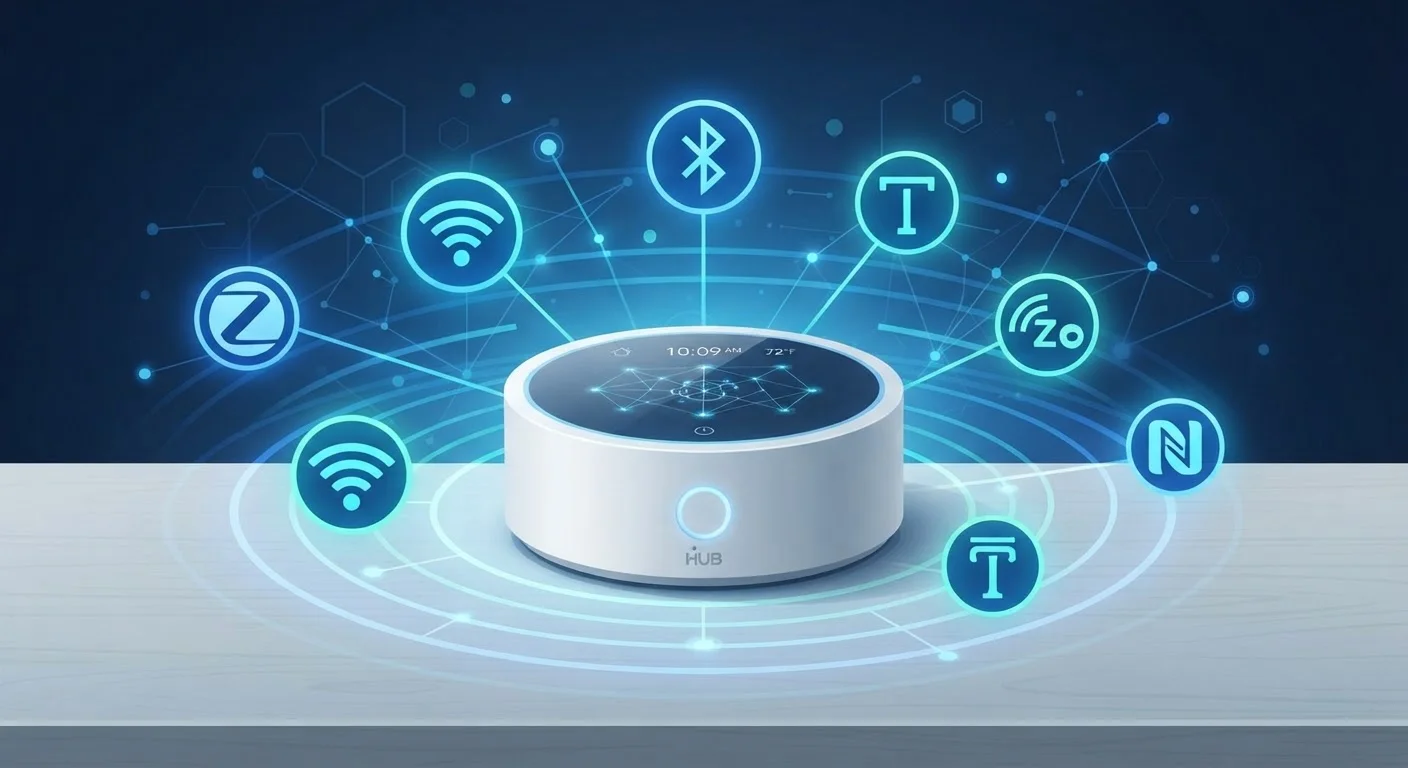
Four protocols dominate the consumer smart home space: Wi-Fi, Zigbee, Z-Wave, and Thread. Each was built for different priorities, and none is universally superior. Knowing what sets them apart helps you build a setup that actually holds together.
| Wi-Fi frequency | 2.4 GHz and 5 GHz |
| Zigbee frequency | 2.4 GHz (mesh) |
| Z-Wave frequency (US) | ~908 MHz |
| Z-Wave max devices per network | 232 |
| Thread network type | IPv6-based mesh |
| Matter transport layers | Thread, Wi-Fi, Ethernet |
| Lowest power consumption | Zigbee, Z-Wave, Thread |
| Best for video streaming | Wi-Fi |
Wi-Fi, Zigbee, Z-Wave, and Thread: How Each One Works
Wi-Fi connects devices directly to your home router using the same network your laptop and phone already use. It supports high data rates, making it well-suited for video-heavy devices like cameras and video doorbells. The trade-off is power: Wi-Fi draws significantly more energy than other protocols, making it less practical for battery-powered sensors. Every Wi-Fi device also places load on your router, which is worth considering as device counts grow. For context, see our guide to mesh Wi-Fi vs. traditional routers.
Zigbee uses a low-power mesh network operating on the 2.4 GHz band. Devices relay signals to each other, so range extends as you add more nodes — a real advantage in larger homes. It is widely used in smart bulbs, sensors, and locks. Zigbee typically requires a dedicated hub (sometimes called a coordinator), and because multiple manufacturers have implemented the standard differently over the years, compatibility between brands isn't always guaranteed.
Z-Wave operates on a sub-GHz frequency (around 908 MHz in the US), which reduces interference with Wi-Fi and Zigbee. Like Zigbee, it forms a mesh network and draws very little power. Z-Wave enforces stricter certification requirements than Zigbee, which has historically led to better cross-brand compatibility. Its main limitation is device limit: a Z-Wave network supports up to 232 devices — more than enough for most homes, but a ceiling worth knowing.
Thread is the newest of the four. It runs on the 802.15.4 radio standard (same as Zigbee) but uses IPv6, meaning every device gets a real network address. Thread is self-healing, low-power, and designed from the ground up for interoperability. It is a core transport layer for the Matter standard — worth exploring in our article explaining Matter and what it means for smart home compatibility.
Wireless protocol
A standardized set of rules that defines how devices transmit and receive data wirelessly. Devices must share a common protocol — or use a bridge — to communicate with each other.
Mesh network
A network topology in which devices relay signals to one another rather than connecting solely to a central router. This extends range and improves reliability.
Thread
A low-power IPv6 mesh networking protocol designed for smart home devices. It underpins the Matter interoperability standard and is supported by many modern smart home platforms.
Matter
An application-layer standard that enables smart home devices from different manufacturers to work together. Matter can run over Thread, Wi-Fi, or Ethernet.
Hub / Coordinator
A central device that manages communication between smart home devices on protocols like Zigbee or Z-Wave. Without a hub, these devices typically cannot connect to the internet or to each other.
IPv6
The modern version of the Internet Protocol, which assigns a unique numeric address to each device on a network. Thread's use of IPv6 allows smart devices to be addressed and managed more like standard internet-connected devices.
Choosing the Right Protocol for Your Setup
There's no single correct answer, but a few practical principles help narrow things down.
- For video and bandwidth-heavy devices (cameras, displays, streaming), Wi-Fi remains the practical choice. Just keep your router infrastructure in good shape.
- For battery-powered sensors and switches (door sensors, motion detectors, smart plugs), Zigbee or Z-Wave consume far less power and are typically the better fit.
- For future-proofing, Thread-compatible devices built around the Matter standard offer the broadest potential for cross-brand control without proprietary hubs.
- For simplicity, choosing devices that all work within the same ecosystem — or that support Matter — reduces the complexity of managing multiple hubs.
Security is also worth keeping in mind. Smart devices of any protocol can introduce vulnerabilities to your home network. Our article on why smart home devices are a security blind spot covers the risks and practical steps to reduce them.
If you're just starting out, starting with a single device and one protocol is the lowest-friction way to build confidence before expanding your setup.
Hubs, Bridges, and Multi-Protocol Devices
Many modern smart home hubs support multiple protocols simultaneously — for example, handling both Zigbee and Z-Wave devices from a single app. Some newer routers and speakers also include Thread border routers built in, making it easier to mix device types without buying additional hardware. Check your existing hub's spec sheet before assuming you need a separate device for each protocol.