

Key Takeaways
- A smart home simply means devices in your home are internet-connected and can be controlled or automated.
- You don't need a full system or professional installation to start — one device counts.
- Smart homes are not self-managing; they still require setup, maintenance, and user decisions.
- Privacy and security are real considerations that every smart home owner should understand.
- Compatibility between devices matters — not all smart products work together out of the box.
Smart Home
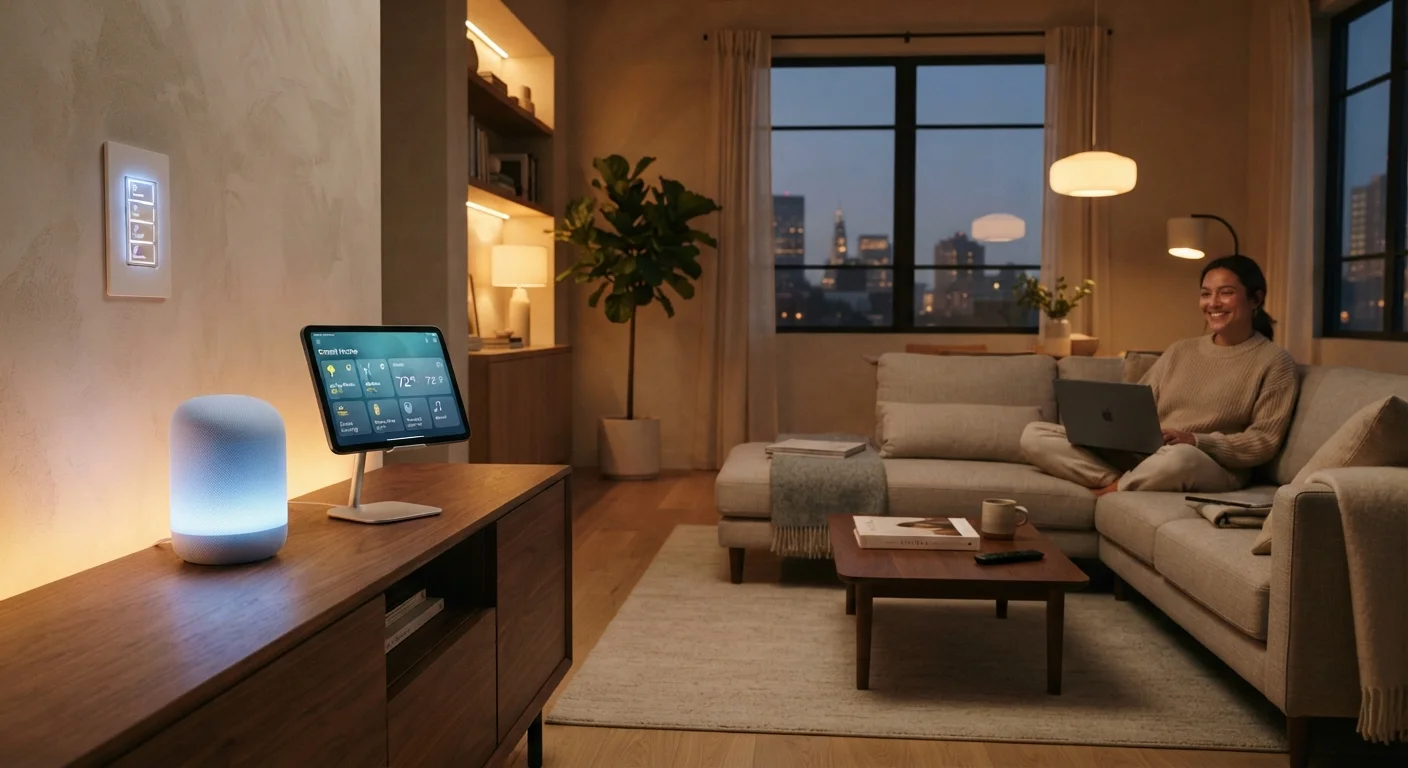
A smart home is a residence where devices — such as lights, thermostats, locks, and speakers — are connected to the internet and can be monitored or controlled remotely, often through a smartphone app or voice commands. The key idea is that these devices can communicate with each other and with you, making routine tasks more convenient or automated. A smart home doesn't require a complete renovation or expensive installation; even a single connected device technically qualifies.
Most smart home devices communicate over Wi-Fi, Bluetooth, Zigbee, or Z-Wave protocols. Interoperability between devices from different manufacturers has historically been a challenge, though the Matter standard — an industry-wide protocol — aims to improve cross-brand compatibility.
The Core Idea: Connected, Controllable, Responsive
Strip away the marketing language and a smart home comes down to one principle: devices in your home can be controlled or monitored beyond their physical location — usually via the internet. That's it. A single smart thermostat you adjust from your phone qualifies. So does a fully integrated system where your lights, locks, security cameras, and appliances all talk to each other.
What makes a device "smart" is its ability to send and receive data. A traditional light switch controls only one thing mechanically. A smart switch can receive instructions from an app, respond to a voice command, activate on a schedule, or trigger when another device detects motion. The intelligence isn't really in the device itself — it's in the connectivity and the rules you set up around it.
Start With a Single, Useful Device
Rather than planning an entire smart home system upfront, pick one device that solves a real problem you face today. A smart lock for a door you frequently forget to secure, or a smart plug for a lamp you always leave on — small wins build familiarity and confidence before you invest in anything more complex.
It's worth noting what a smart home is not: it's not a self-running household that anticipates your every need. Every automation you experience was set up by someone — usually you — in advance. Expectations matter here.
What Smart Home Devices Actually Do
Smart home products fall into a few broad categories, each solving a different type of problem:
- Climate control — Smart thermostats learn usage patterns or let you adjust temperature remotely, which can reduce unnecessary heating or cooling.
- Lighting — Smart bulbs and switches allow remote dimming, color changes, scheduling, and motion-triggered responses.
- Security and access — Smart locks, video doorbells, and indoor cameras let you monitor and control entry points from anywhere.
- Voice assistants and speakers — These act as control hubs for voice commands and can integrate with dozens of other smart devices.
- Plugs and outlets — Smart plugs give any ordinary appliance a connected layer, enabling remote switching or energy monitoring.
~350M
Smart home devices shipped globally in 2023
According to IDC's worldwide smart home device tracker, shipments exceeded 350 million units in 2023, reflecting broad mainstream adoption.
69%
U.S. adults who own at least one smart home device
A 2023 Pew Research Center survey found that roughly 69% of U.S. adults use at least one smart home device in their household.
These categories can work independently or together. A motion sensor in the hallway might trigger both a light and a camera recording — that's an automation, and it's one of the more powerful features of a cohesive smart home setup.
The Compatibility Question Nobody Warns You About
One of the most common frustrations new smart home owners encounter is discovering that their devices don't work together. A smart bulb from one brand may not respond to a voice assistant from another, or an automation you set up may break after a software update.
This happens because smart devices historically used proprietary ecosystems — meaning each company built its own communication language. Platforms like Google Home, Amazon Alexa, and Apple HomeKit each support different subsets of devices, and not every product works across all three.
The Matter Standard: What It Means for You
Matter is an open-source connectivity standard backed by major tech companies including Apple, Google, Amazon, and Samsung. Devices certified for Matter can theoretically work across all compatible platforms without brand lock-in. When shopping for smart home devices, looking for Matter certification is one way to future-proof your setup — though you should still verify compatibility with your specific platform.
The Matter standard, developed by a broad industry coalition, is designed to address this fragmentation by giving devices a common language. Adoption is growing, but not universal — always check compatibility before purchasing.
Understanding your home's ecosystem before expanding helps avoid costly incompatibility surprises. If privacy is a concern as you evaluate devices, our guide to smart home security blind spots is worth reviewing alongside your setup decisions.
Getting Started Without Overcomplicating It
You don't need to transform your entire home at once. Most people begin with one or two devices that solve a specific, tangible problem — a thermostat they can adjust remotely, or outdoor lights that turn on at sunset automatically. From there, you can expand based on what's actually useful to you.
Before adding devices, it helps to think through a few practical questions: Does your home's Wi-Fi reach the areas where you want smart devices? Do the products you're considering work with a voice assistant or app you already use? Are you comfortable managing software updates and account security?
If you're thinking about how a smarter home fits into broader home improvement goals — like energy efficiency — it's worth pairing tech decisions with structural ones. For example, a smart thermostat works best when paired with good home insulation to maximize any efficiency gains.
And once you have devices running, don't skip the security basics. Many of the fears around smart home hacking are overblown, but some risks are real — see our breakdown of common smart home security myths for a grounded perspective.
This article is for general informational purposes only. Always verify product compatibility and consult a qualified professional for any installation involving electrical systems or structural changes to your home.