

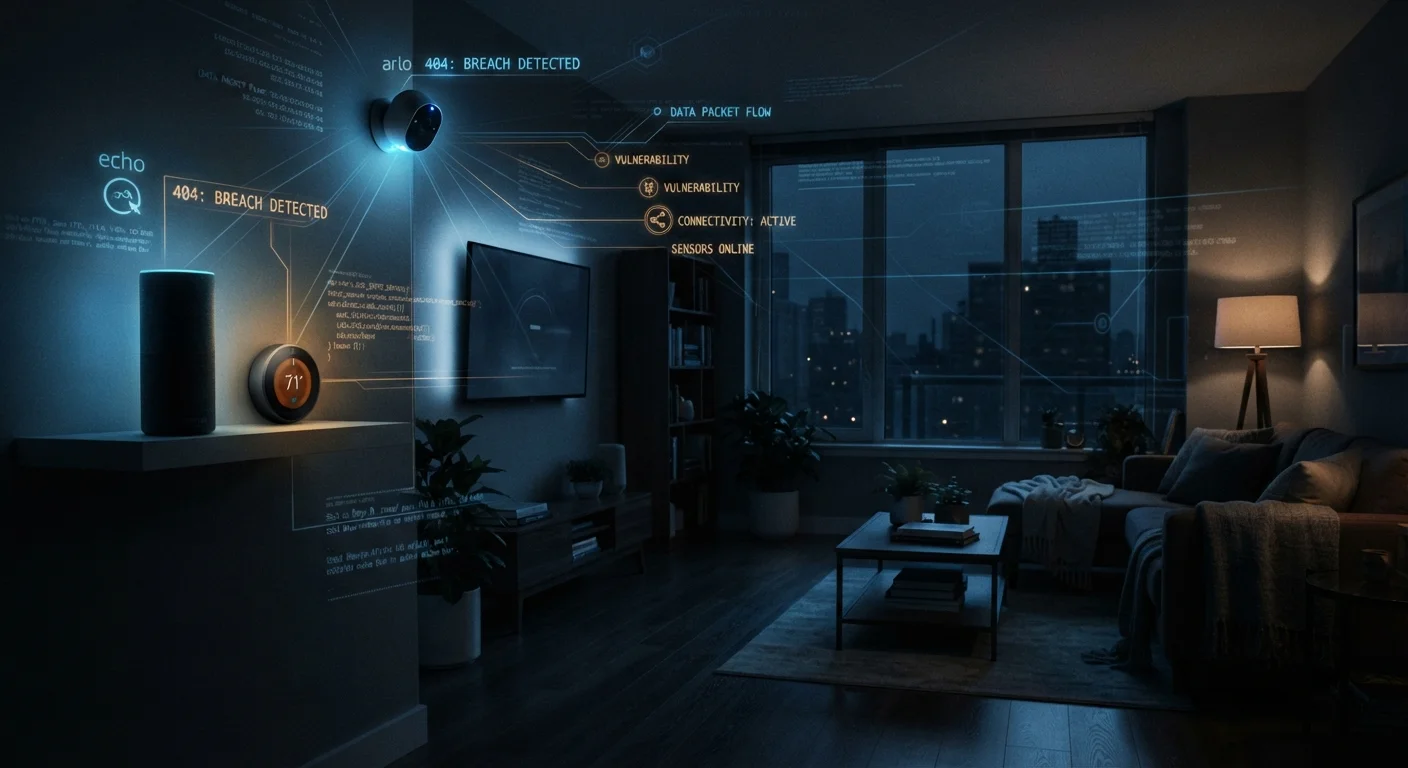
Key Takeaways
- Smart home devices often ship with weak default settings that most users never change.
- Each connected device is a potential entry point for unauthorized access to your network.
- Simple habits — like updating firmware and segmenting your network — significantly reduce risk.
- Manufacturers vary widely in how long they provide security patches for their devices.
The Hidden Risk Living in Your Living Room
Smart home devices — thermostats, doorbells, light bulbs, speakers — have made everyday life more convenient. But each one you add to your home network is also a new potential entry point for unauthorized access. Unlike your laptop or phone, most smart devices run quietly in the background with little user interaction, which makes security lapses easy to miss.
The problem isn't that these devices are inherently dangerous. It's that they're frequently set up once and forgotten. Explore our Home Tech hub for straightforward explanations of how these devices work — and what's at stake when they're not properly secured.
Keeping default usernames and passwords on smart devices.
Why it happens: Setup wizards rarely emphasize changing credentials, and default logins are rarely visible on-screen after initial setup.
Never updating device firmware after the initial installation.
Why it happens: Smart devices don't prompt updates the way phones and computers do, so it's easy to assume they're keeping themselves current.
Connecting all smart devices to the same network as computers and phones.
Why it happens: It's the path of least resistance during setup — one network, one password, everything connected.
Continuing to use smart devices that no longer receive security updates.
Why it happens: Devices that still work physically feel fine to keep using; end-of-support notices are easy to overlook or misunderstand.
Granting excessive app permissions without reviewing what data is collected.
Why it happens: Tapping "Allow All" is faster, and most users assume apps only request what they actually need.
What You Can Do Right Now
Addressing smart home security doesn't require technical expertise. A few deliberate habits can meaningfully reduce your exposure.
57%
Vulnerable smart home devices
According to a Palo Alto Networks threat report, 57% of IoT devices are vulnerable to medium- or high-severity attacks.
10+
Average connected devices per US household
Deloitte research has found that the average US household connects more than ten devices to its home network.
Segment your network. Many modern routers allow you to create a separate Wi-Fi network — sometimes called a guest network — specifically for smart devices. This way, if a device is compromised, an attacker can't easily reach your laptop, phone, or personal data on the main network. Think of it as keeping a guest key that only opens the front door, not every room.
Enable automatic firmware updates wherever the option exists, and manually check for updates on devices that don't offer it. Manufacturers release patches to fix known security flaws; skipping them leaves those flaws open.
Also consider whether older devices still receive manufacturer support. A smart camera that no longer gets security updates is a liability regardless of how well it worked when you bought it. For ongoing guidance, see keeping your smart home devices secure over time.
End-of-Support Devices Pose Real Ongoing Risk
When a manufacturer stops issuing security patches for a device, any newly discovered vulnerabilities will never be fixed — regardless of how the device performs otherwise. This is particularly significant for smart cameras, locks, and speakers that are always on. Before assuming an older device is safe to keep, verify that it is still actively supported by its manufacturer.
Finally, be skeptical of unfamiliar claims about smart home security. Misconceptions are common — the truth behind common smart home security myths can help you focus on risks that are actually worth your attention.