

Key Takeaways
- A VPN encrypts your internet traffic and hides your IP address, but does not make you anonymous.
- VPNs are most useful on public Wi-Fi; they offer less added security on your home network.
- A VPN cannot protect you from malware, phishing links, or apps that already have your data.
- Your VPN provider can see your traffic, so the provider's trustworthiness matters enormously.
- Battery drain and slower speeds are real trade-offs worth considering before leaving a VPN on constantly.
What a VPN Actually Does on a Mobile Device
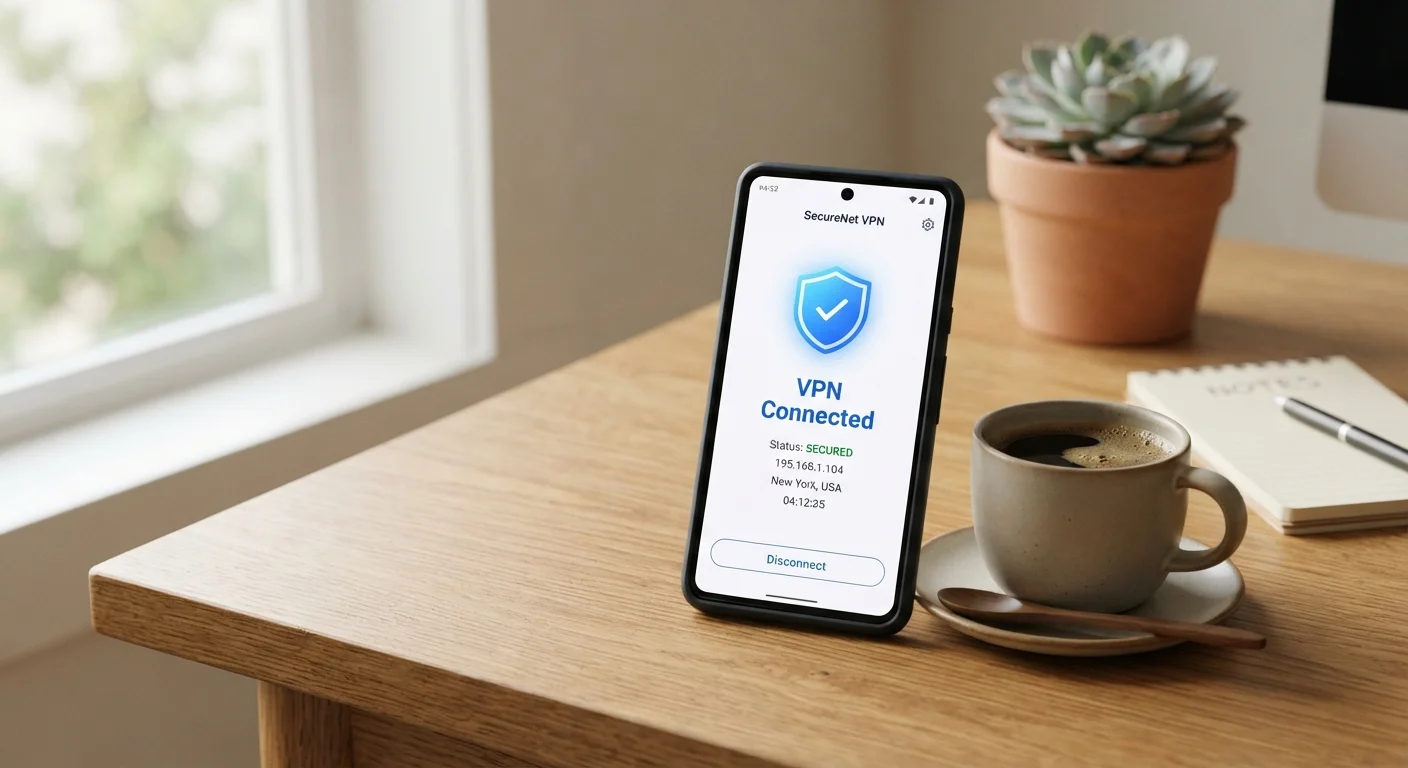
When you enable a VPN app on your phone, it creates an encrypted tunnel between your device and a server operated by the VPN provider. All of your internet traffic travels through that tunnel before reaching its destination — a website, a streaming service, or a messaging app.
This does two concrete things. First, it prevents anyone monitoring your local network — such as a router operator at a café or airport — from reading the content of your data. Second, it substitutes the VPN server's IP address for your own, so websites you visit see the server's location rather than yours. For a plain explanation of how your phone connects to the internet in the first place, see how mobile data, Wi-Fi, and hotspots work.
That's genuinely useful in specific situations — particularly on untrusted public Wi-Fi networks, where local eavesdropping is a realistic concern. But those two functions are the whole job. Everything beyond them is either a misunderstanding or marketing.
Your VPN Provider Sees Your Traffic
Routing traffic through a VPN doesn't eliminate the need for trust — it transfers that trust to your VPN provider. A provider with poor data practices can expose or sell your browsing activity just as easily as an untrusted network. Always look for independently audited privacy policies before choosing a provider, and be especially cautious with free VPN apps.
Common Myths — Corrected
VPN apps are among the most aggressively marketed security tools for everyday consumers, which has produced a surprisingly durable set of myths about what they deliver. The myth-fact pairs below address the most common ones.
Myth
A VPN makes me anonymous online.
Fact
A VPN masks your IP address but does not make you anonymous. Websites can still identify you through login accounts, cookies, browser fingerprinting, and other tracking methods.
Anonymity requires that no party can connect your activity back to you. A VPN only removes one data point — your IP address — from the picture. If you're logged into Google, Facebook, or any other account while using a VPN, those services still know exactly who you are. Advertisers using cross-site tracking cookies similarly aren't deterred by a VPN tunnel.
Myth
A VPN protects me from viruses and hackers.
Fact
A VPN encrypts your connection in transit but offers no protection against malware, phishing attacks, malicious apps, or account compromises.
Malware typically arrives via downloaded files, malicious links, or rogue apps — none of which a VPN can intercept or block. If you tap a phishing link in a text message, the VPN tunnel carries that request just as faithfully as any other. Device-level protection requires different tools: keeping your operating system updated, using reputable app sources, and being cautious about what you install. The smartphone security basics guide covers these fundamentals.
Myth
My data is completely private when I use a VPN.
Fact
Your traffic is private from your local network and internet provider, but your VPN provider can see everything passing through their servers.
A VPN doesn't eliminate surveillance — it relocates it. Instead of your internet service provider or Wi-Fi operator, your VPN company sits at the point where your traffic is visible. Providers with genuinely strong no-logs policies and independent audits can minimize this risk, but you are extending trust to a third party, not removing the need for trust altogether.
Myth
I only need a VPN on public Wi-Fi, not on mobile data.
Fact
Mobile data connections are generally harder to intercept locally than open Wi-Fi, but your mobile carrier can still observe your unencrypted traffic.
Connecting over your carrier's cellular network significantly reduces the risk of a nearby stranger intercepting your traffic — the attack surface for that type of eavesdropping is much smaller than on a shared Wi-Fi network. However, your carrier sees your traffic by design and may retain metadata. If limiting carrier visibility is a priority for you, a VPN is relevant on mobile data too — though for most people, the biggest practical benefit comes on untrusted Wi-Fi.
Myth
A VPN will stop apps on my phone from tracking me.
Fact
Most app tracking happens through data collected within the app itself — a VPN does not block or interfere with this.
When an app collects your location, usage behavior, or advertising ID, that data is gathered inside the app before being sent anywhere. A VPN encrypts the outbound connection but has no visibility into the data an app decides to include in that connection. Platform-level privacy controls — such as limiting app permissions on iOS or Android — are the more relevant tool for managing in-app tracking. See our comparison of Android and iOS privacy approaches for more context.
When a VPN on Your Phone Is Worth Using
The clearest use case is connecting to public Wi-Fi in hotels, airports, cafés, and other shared spaces. Even when those networks require a password, you're sharing the connection with strangers and the router operator. A VPN limits what either can observe about your traffic. For more on why open networks carry real risk, see what makes public Wi-Fi genuinely risky.
A VPN can also be useful when you want to prevent your mobile carrier from seeing your browsing activity, or when accessing a work network remotely via a corporate VPN your employer provides.
On your home broadband, the benefit is much narrower. Your internet service provider can already see your traffic metadata, and a VPN simply shifts that visibility to the VPN provider instead — it doesn't eliminate it. The broader picture of staying secure on your phone day-to-day is covered in our guide to smartphone security without the paranoia.
~31%
Mobile internet users who have used a VPN
GlobalWebIndex survey data has consistently found roughly 1 in 3 mobile users reporting VPN use, though actual understanding of the tool varies widely.
Top reason
Security on public Wi-Fi cited as the #1 VPN motivation
Consumer surveys by security researchers repeatedly find public Wi-Fi protection as the most commonly stated reason for using a mobile VPN.
Choosing and Using a VPN Responsibly
Because a VPN provider can see all the traffic you're routing through their servers, the provider's data-handling practices are the single most important factor in any decision about which service to use. Look for independently audited no-logs policies — claims alone carry little weight without verification.
Free VPN apps warrant particular caution. Providing server infrastructure is expensive, and when an app is free, it's worth asking how the business sustains itself. Some free services have been found to log and sell user data, which is the opposite of the privacy protection being advertised.
On the practical side, keeping a VPN active constantly on a mobile device will drain your battery faster and can slow your connection speed, since all traffic is routed through an additional server. Many users find it most sensible to enable a VPN only when connecting to an untrusted network, rather than leaving it on around the clock. For a broader look at how VPN technology works across all your devices, the full VPN explainer goes deeper on the underlying mechanics.