

Key Takeaways
- A strong lock screen is the single most effective barrier against unauthorized access to your phone.
- Installing software updates promptly patches known security vulnerabilities before they can be exploited.
- Sticking to official app stores and reviewing app permissions significantly reduces your exposure to malicious software.
- Good phone security is built from a few consistent habits, not from expensive tools or technical knowledge.
- Understanding where your data lives helps you make smarter choices about privacy and access.
Start here
Why Phone Security Matters (Without Catastrophising)
Foundation
Lock Screens: Your First and Most Important Layer
Next
Software Updates: The Unglamorous Habit That Actually Works
Build on it
App Stores and App Permissions: What to Watch For
Keep going
Where to Go From Here
Why Phone Security Matters (Without Catastrophising)
Your smartphone holds more personal information than almost any other object you own — banking apps, health data, private messages, and saved passwords. That's worth protecting. But the goal here isn't to alarm you; it's to give you a realistic picture so you can make sensible choices.
Most security incidents that affect everyday users aren't sophisticated attacks. They're opportunistic: a lost or unlocked phone, an app granted permissions it didn't need, or a software flaw that never got patched. The good news is that addressing these common scenarios doesn't require technical skills — just a handful of straightforward habits.
Lock screen
The security screen that prevents anyone from accessing your phone without entering a PIN, password, or biometric like a fingerprint.
Security patch
A small software update that fixes a specific vulnerability or flaw — essentially closing a door that could have been exploited by an attacker.
App permissions
The specific device features or data — like your camera, microphone, or contacts — that an app requests access to in order to function.
Biometric authentication
Using a physical characteristic — typically a fingerprint or facial scan — to verify your identity and unlock your device.
Sideloading
Installing an app from outside the official app store, which bypasses the platform's security review and carries higher risk.
Operating system (OS)
The core software that runs your phone — iOS on iPhones, Android on most other smartphones — which manages apps, security, and hardware.
Lock Screens: Your First and Most Important Layer
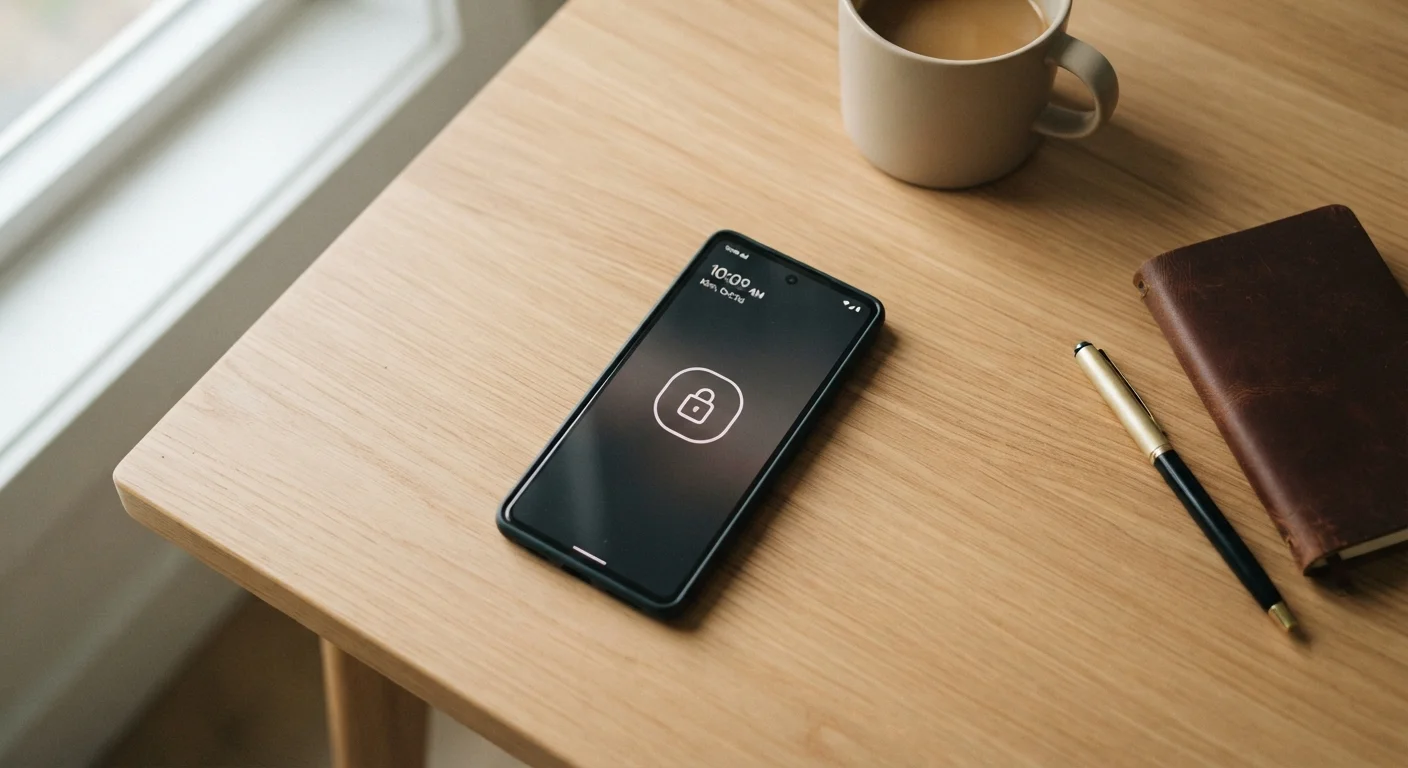
A lock screen is the simplest and most effective barrier between your data and anyone who picks up your phone. If your phone currently has no lock screen, enabling one today is the highest-impact thing you can do.
What type of lock to use
- PIN or passphrase: A six-digit PIN is significantly stronger than four digits. A passphrase — a short phrase you can remember — is stronger still. Avoid obvious patterns like 123456 or your birth year.
- Biometrics (fingerprint or face unlock): Convenient and secure for daily use. Keep a strong PIN as a backup, since biometrics can fail in some conditions and may have legal implications depending on your circumstances.
- Pattern unlock: Generally considered the weakest option and best avoided if alternatives are available.
Auto-lock settings
Set your phone to lock automatically after a short period of inactivity — 30 seconds to one minute is reasonable. The longer your screen stays unlocked unattended, the larger the window of opportunity for someone else to access it.
Check Your Lock Screen Settings Now
Go to your phone's Settings and search for "Screen lock" (Android) or "Face ID & Passcode" / "Touch ID & Passcode" (iPhone). If you're using no lock or a simple swipe, upgrading to a six-digit PIN takes under two minutes. It's the single fastest security improvement you can make today.
Software Updates: The Unglamorous Habit That Actually Works
Software updates are easy to dismiss as an inconvenience, but they're one of the most reliable security tools available to you. Both Android and iOS regularly release updates that include security patches — fixes for vulnerabilities that researchers or manufacturers have identified.
When you delay updates, you're leaving known gaps open. Many real-world incidents exploit flaws that were already patched in a recent update — just not installed yet. Turning on automatic updates wherever possible means you benefit from fixes without having to remember to act.
Don't Skip "Minor" Updates
Updates labelled as minor or described primarily as bug fixes often include security patches. The update notes don't always make this obvious. Treating all system and app updates as worth installing promptly — rather than only the major ones — keeps your defenses current.
It's also worth keeping individual apps updated, not just your phone's operating system. App developers push security fixes through updates too, and an outdated app can become a weak point even on a fully updated device.
App Stores and App Permissions: What to Watch For
The safest place to download apps is from your platform's official store — the Apple App Store for iPhones, or Google Play for Android. These stores screen apps before making them available, which isn't a perfect filter but is a meaningful one. Downloading apps from unofficial sources (sometimes called "sideloading") removes that layer of review entirely and carries higher risk.
Reading permission requests
When you install or open an app, it may ask for access to things like your location, contacts, microphone, or camera. These are called permissions. Before granting them, ask whether the app genuinely needs that access to do its job. A flashlight app asking for your contacts is a red flag; a maps app requesting location makes sense.
Both iOS and Android let you review and adjust app permissions in your settings after installation. Revisiting these occasionally — especially for apps you've had a long time — is a small habit with real privacy benefits. For a broader look at how your phone's data is stored and shared, see where your phone data actually lives.
Where to Go From Here
The three areas above — lock screens, updates, and app hygiene — cover the vast majority of what most people need to think about for everyday smartphone security. None of it requires technical expertise, and all of it compounds over time into a meaningfully safer digital life.
If you want to take things further, a step-by-step online security checklist is a natural next step, covering passwords, account settings, and other devices beyond your phone. For building security habits that last, long-term online safety habits offers a practical framework without the overwhelm.
If you're also thinking about connected devices at home, the principles here translate well — see our guidance on keeping smart home devices secure over time for how to apply similar habits beyond your phone.