

Key Takeaways
- Reusing the same password means one data breach can expose all your accounts at once.
- Password managers store and auto-fill unique, complex passwords so you only need to remember one.
- Strong encryption means your stored passwords are protected even if the manager's servers are targeted.
- Using a password manager is one of the single most effective steps you can take for everyday online security.
- Pairing a password manager with two-factor authentication adds a critical second layer of protection.
Password Manager
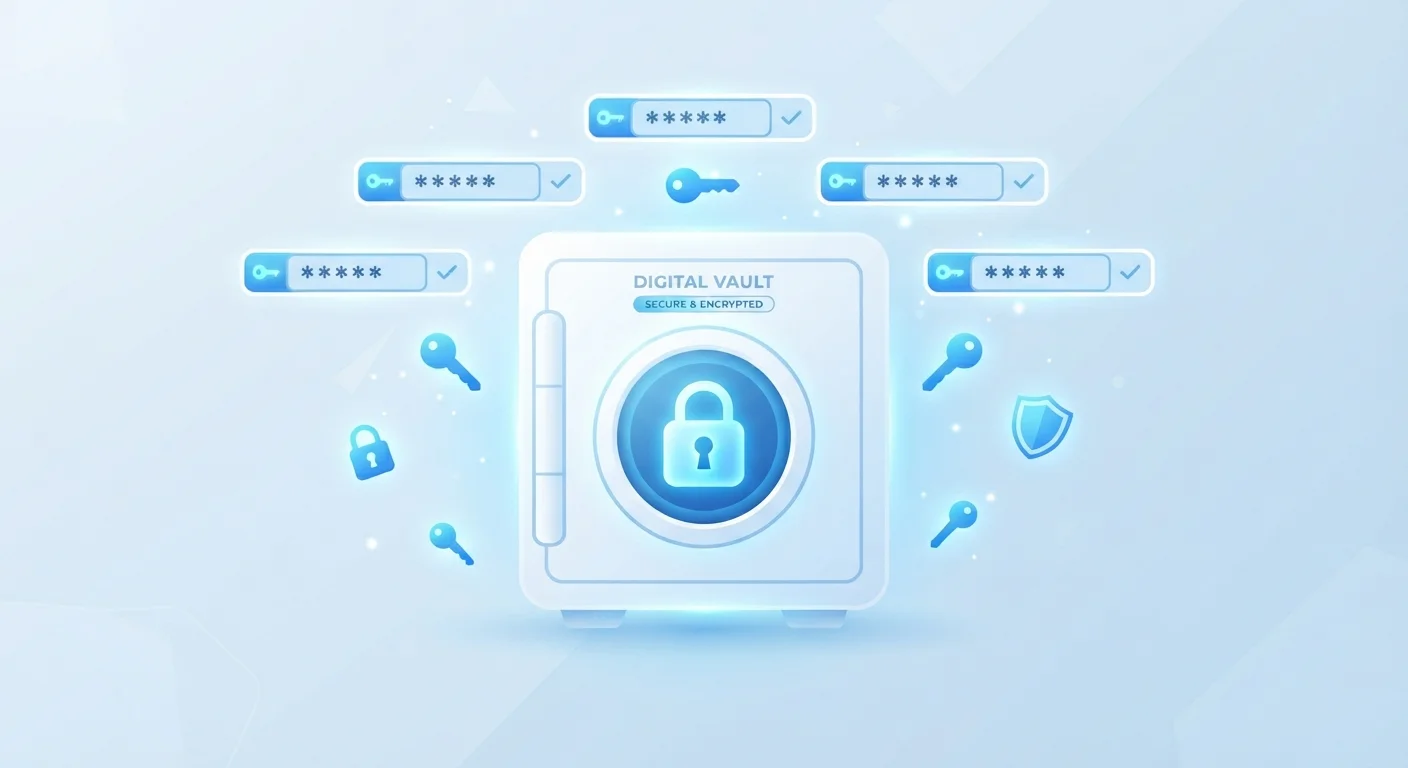
A password manager is a secure app or service that stores all your login credentials — usernames and passwords — in one encrypted location. Instead of memorizing dozens of passwords, you remember one strong master password to unlock the manager, which then fills in your credentials automatically. This makes it practical to use a unique, complex password for every account you have.
Most password managers encrypt your stored data using AES-256 encryption, a standard considered highly resistant to brute-force attacks. Many use a zero-knowledge architecture, meaning the service provider cannot read your stored passwords even if they wanted to.
Why Reusing Passwords Is a Real Problem
Most people know, at some level, that reusing passwords isn't ideal. But the actual risk isn't obvious until you understand how credentials get stolen. When any website you've signed up for suffers a data breach, your email and password combination can end up for sale on the internet within hours. Attackers then use automated tools to try that same combination on banking sites, email providers, and social media — a technique called credential stuffing.
If your password is unique to that one site, a breach is an inconvenience. If you reuse it, one breach can cascade into a takeover of every account that shares that password. Given that data breaches happen to major platforms regularly, reuse turns a manageable problem into a serious one.
~80%
Data breaches involving stolen or weak passwords
Verizon's Data Breach Investigations Report has consistently found that compromised credentials are involved in the majority of hacking-related breaches.
100+
Average online accounts per user
Research by password security firms has estimated that the average internet user maintains well over 100 accounts requiring login credentials.
The core fix is straightforward in theory: use a different, complex password for every account. The obstacle is human memory — no one can keep track of 80 unique passwords. That's exactly the problem password managers are designed to solve.
How a Password Manager Actually Works
A password manager acts like a heavily secured digital notebook that only you can open. When you create an account on a new website, the manager generates a long, random password — something like mT#9vL2@qrXp! — and saves it automatically. When you return to that site, it recognizes the login page and fills in your credentials for you.
Everything stored inside the manager is encrypted using your master password as the key. This encryption happens on your device before anything is transmitted anywhere. Even if someone intercepted data in transit, they would see only scrambled, unreadable text.
Choosing a Strong Master Password
Your master password is the single key to your entire vault, so it deserves special care. Consider using a passphrase — four or more unrelated words strung together, such as a memorable but random combination — rather than a short string of symbols. Write it down and store it somewhere physically secure, like a locked drawer, until you've committed it to memory.
The master password itself is never stored by the service — which is why it's critical that you choose one that is both strong and memorable. A passphrase (a sequence of four or more random words) is often recommended: easier to remember than a string of symbols, but far harder to guess.
Most managers also monitor known breach databases and alert you when a password you've stored has appeared in a publicly disclosed data leak, prompting you to change it before any damage is done.
Getting Started: What to Expect
Setting up a password manager is a one-time effort that pays ongoing dividends. The general process involves creating an account, installing a browser extension or app, and importing or gradually adding your existing passwords as you log into sites over the coming days.
You don't have to change every password on day one. A common approach is to update passwords to strong, unique ones as you naturally visit each site — the manager saves the new version automatically. Within a few weeks, most of your important accounts will be covered.
For a broader look at strengthening your digital habits, see our complete online security audit checklist, which walks through passwords, privacy settings, and more in one structured review.
Your Existing Passwords Don't Have to Change Overnight
A common misconception is that adopting a password manager means immediately resetting every account you own. In practice, most people transition gradually — updating passwords to strong, unique ones as they naturally visit each site. Within a few weeks, your most important accounts will be covered without any single overwhelming session of password changes.
Once set up, the manager's browser extension handles the day-to-day work invisibly. You log in with your master password (or biometrics like a fingerprint) once per session, and it handles the rest. Most users report that it makes logging in faster, not slower.
Password Managers as Part of a Broader Security Habit
A password manager significantly reduces your exposure to credential-based attacks, but security works best in layers. Pairing strong, unique passwords with two-factor authentication means that even if a password were somehow obtained, an attacker would still be blocked from accessing your account without a second verification step.
It's also worth remembering that not all threats come through stolen passwords. Social engineering attacks — such as phishing emails — try to trick you into handing over credentials directly. A password manager won't fill in your details on a fake lookalike website, which provides an additional layer of incidental protection.
For those with connected devices at home, the same principle of layered security applies. Our guide to keeping smart home devices secure over time covers the ongoing habits that extend protection beyond just your login credentials.
Building these habits doesn't require technical expertise. As part of staying safer online over time, a password manager stands out as one of the highest-impact, lowest-effort improvements most everyday users can make.