

Key Takeaways
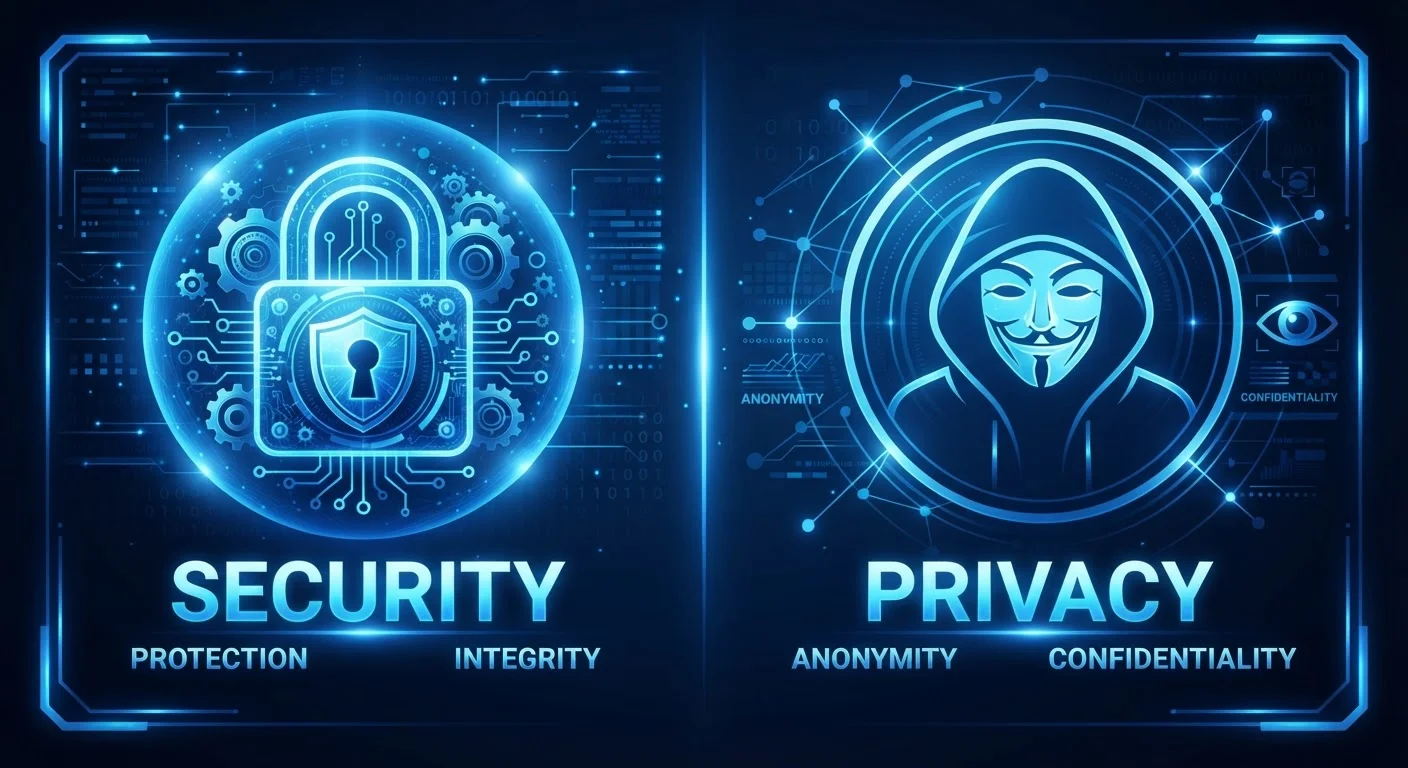
- Online security protects your data from unauthorized access; online privacy controls who can see and use that data.
- You can have strong security and still have poor privacy — these are not the same thing.
- Both privacy and security require active, ongoing choices, not just one-time setup.
- Understanding the difference helps you respond more effectively when something goes wrong online.
- Everyday tools like strong passwords and privacy settings each address a different layer of protection.
Our Verdict
Security and privacy are complementary but distinct concerns. Security is about keeping bad actors out; privacy is about limiting what even legitimate parties can see or do with your information. Most people need to attend to both — but the right emphasis depends on what you're trying to protect and from whom.
| Best for | Recommended |
|---|---|
| Those worried about hackers, account takeovers, or data breaches | Online Security practices |
| Those concerned about data collection, tracking, or surveillance | Online Privacy practices |
| Everyday users who want well-rounded digital protection | Both, addressed together |
Why People Confuse Privacy and Security
The terms online privacy and online security get used interchangeably in headlines and tech marketing, which blurs an important distinction. In reality, each concept addresses a different threat and requires different tools to manage.
Think of it this way: a locked safe protects your valuables from theft — that's security. But if the manufacturer of the safe keeps a record of everything you put inside it, that's a privacy issue. Both matter; they're just not the same problem.
Confusing the two leads people to take action that only solves half the puzzle. Someone might install strong antivirus software (a security measure) while unknowingly sharing their browsing history with dozens of data brokers (a privacy issue). Getting clarity on both concepts is the foundation for making smarter digital decisions.
What Online Security Actually Means
Online security refers to the protections that keep unauthorized people from accessing your accounts, devices, and data. It is primarily about defending against external threats: hackers, phishing attacks, malware, and data breaches.
Key security practices include:
- Using strong, unique passwords for each account
- Enabling two-factor authentication (2FA), which adds a second verification step beyond a password
- Keeping software and operating systems updated to close known vulnerabilities
- Recognizing phishing attempts — fraudulent messages designed to steal your credentials
A security failure typically happens when someone gains access they were never supposed to have. The result might be a stolen account, financial fraud, or ransomware locking your files.
For a structured way to check your current security posture, see our step-by-step security audit checklist.
Two-Factor Authentication Is One of the Easiest Security Wins
Two-factor authentication (2FA) requires a second proof of identity — such as a code sent to your phone — in addition to your password. Even if your password is exposed in a breach, 2FA makes it significantly harder for someone else to access your account. Most major email, banking, and social media platforms offer it in their security settings. Enabling it takes only a few minutes.
What Online Privacy Actually Means
Online privacy is about controlling what information others can collect about you, how it's stored, and how it's used — even when those parties have perfectly legal access. Privacy concerns often involve companies, advertisers, or platforms, not just criminals.
Common privacy issues include:
- Websites tracking your behavior across the internet using cookies and pixels
- Apps collecting location data, contact lists, or usage patterns beyond what's needed
- Data brokers compiling profiles from multiple sources and selling them
- Social platforms using your activity to build detailed advertising profiles
A privacy failure doesn't necessarily mean your account was hacked. It might mean your personal data was sold, your location was tracked without meaningful consent, or your information was used in ways you never expected. That's why privacy settings and informed consent matter — not just passwords.
| Online Security | Online Privacy | |
|---|---|---|
| Core concern | Preventing unauthorized access | Controlling data use and visibility |
| Main threat actors | Hackers, cybercriminals, malware | Companies, data brokers, advertisers |
| Key tools | Passwords, 2FA, antivirus, updates | Privacy settings, tracker blockers, consent |
| What a failure looks like | Account hacked, data stolen | Data sold, tracked without consent |
| Governed by | Cybersecurity standards and practices | Privacy laws and platform policies |
| Can you have one without the other? | Yes — secure systems can lack privacy | Yes — private data can still be breached |
Where Privacy and Security Overlap — and Where They Don't
The two concepts share significant overlap. A data breach, for example, is both a security failure (someone broke in) and a privacy failure (your information is now exposed). Encryption — scrambling data so only authorized parties can read it — serves both goals simultaneously.
But there are clear cases where they diverge. A website using HTTPS is encrypted and therefore more secure, but that padlock does not tell you anything about the site's data practices. As our related guide explains, what the padlock in your browser actually tells you about security is narrower than many people assume.
Similarly, a company can have world-class security infrastructure and still legally share your data with third parties in ways you'd find objectionable. Security protects the vault; privacy governs who has the combination.
422M+
People affected by data breaches in 2022
According to the Identity Theft Resource Center's 2022 Annual Data Breach Report, over 422 million individuals were impacted by reported data breaches in that year alone.
79%
Americans concerned about data use
A Pew Research Center survey found that roughly 79% of US adults reported being concerned about how companies use their data — a privacy concern distinct from security fears.
For families, this distinction becomes especially important. Children face unique exposure on both fronts — from predatory contact (a security-adjacent risk) to aggressive data collection by apps (a privacy risk). Our guide on children and online safety explores both dimensions.
Practical Steps for Both
Because privacy and security address different problems, the tools for each are also different — though many good habits serve both.
For security:
- Use a password manager to generate and store unique passwords
- Turn on two-factor authentication wherever it's offered
- Be skeptical of unsolicited links or attachments, even from known contacts
For privacy:
- Review app permissions and revoke access that isn't necessary
- Adjust privacy settings on social platforms and browsers
- Consider a browser extension that blocks third-party trackers
- Read — or at least skim — privacy policies before sharing sensitive information
"Private" Browsing Is Not the Same as Being Anonymous
Incognito or private browsing mode prevents your browser from saving your history locally — but it does not hide your activity from your internet service provider, your employer's network, or the websites you visit. It is a privacy tool for your own device, not a shield against outside observation. Don't rely on it for sensitive research without understanding its actual scope.
Understanding both layers doesn't require being a tech expert. It requires knowing which question to ask: Who can get in? is a security question. What can they do with my information once they're legitimately inside? is a privacy question. Both deserve an answer.