

Key Takeaways
- Vague or missing privacy policies are a strong indicator a service isn't taking data protection seriously.
- Excessive permission requests — especially on mobile apps — often signal data collection beyond what a service needs.
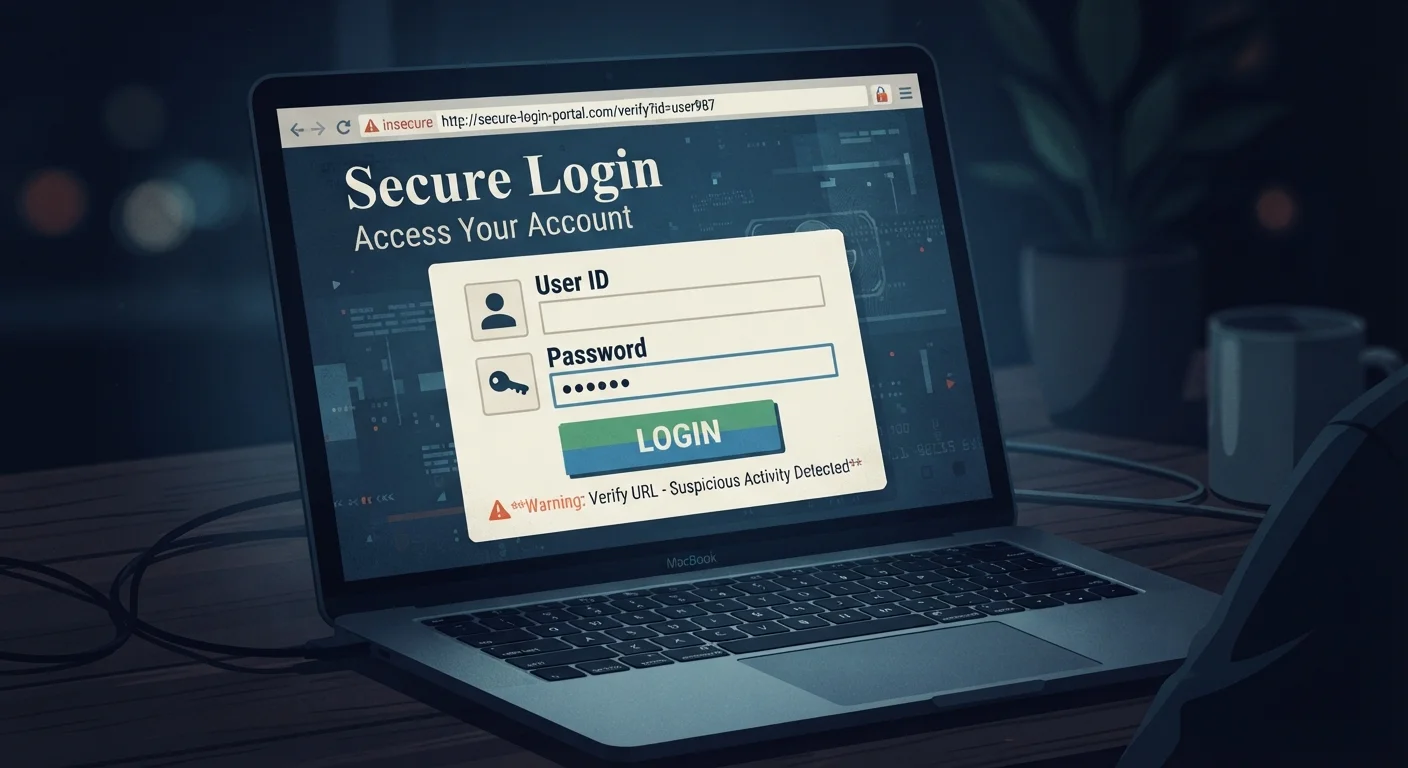
- Poor website security practices, like missing HTTPS, can leave your information exposed in transit.
- Frequent unsolicited emails after signup may mean your address was sold or shared without clear consent.
- Unclear data deletion options suggest a platform may retain your information indefinitely.
Why Subtle Warning Signs Matter
Most people know to avoid obviously shady websites — the ones riddled with pop-ups, misspelled URLs, or demands for wire transfers. But careless data handling often shows up in much quieter ways, on platforms that look perfectly respectable. A polished design and a recognizable brand name are no guarantee that your personal information is being treated responsibly.
Understanding these subtler red flags puts you in a better position to decide what to share, with whom, and when to walk away. The warning signs below don't always mean a platform is malicious — sometimes they simply reflect negligence — but both outcomes can put your data at risk. If you want to go further after reading this, our step-by-step online security checklist walks through a broader audit of your accounts and devices.
The privacy policy is vague, missing, or unreadable
A privacy policy should clearly explain what data is collected, why it's collected, who it's shared with, and how long it's kept. When a policy is absent entirely, buried behind broken links, or written in language so broad it could justify almost anything, that's a sign the platform hasn't thought carefully — or honestly — about your data rights.
Look for specific language. Phrases like "we may share your data with trusted partners" without defining who those partners are or what "trusted" means offer you very little protection in practice.
A policy that explains nothing is effectively no policy at all.
An app requests permissions it doesn't need
A flashlight app asking for access to your contacts, a recipe tool requesting your precise location, or a simple game wanting microphone access — these are classic examples of permission overreach. Mobile apps often request far more access than their core function requires, and that excess data frequently gets used for advertising profiling or sold to third parties.
On both Android and iOS, you can review and revoke app permissions in your device settings. It's worth doing periodically, particularly for apps you installed a while ago and rarely use. For more on how to manage your smartphone and app settings, our hub covers practical guides for everyday mobile use.
If an app's permissions don't match its purpose, that mismatch is worth questioning.
The site doesn't use HTTPS
HTTPS (Hypertext Transfer Protocol Secure) encrypts the connection between your browser and the website, making it much harder for third parties to intercept what you send or receive. Any site that handles logins, personal details, or payment information without HTTPS is leaving that data exposed in transit.
You can check for HTTPS by looking at the address bar — the URL should begin with https://. Some browsers also display a padlock icon, though that symbol has its own nuances worth understanding. Our article on what the padlock in your browser actually tells you explains exactly what that indicator does and doesn't mean.
No HTTPS on a site handling personal data is a basic security failure.
You receive spam shortly after signing up
If your inbox fills with unsolicited marketing from companies you've never heard of within days or weeks of creating an account somewhere new, it's a reasonable indicator that your email address was shared or sold. Some services fund themselves partly through data brokering — passing user information to advertisers or lead-generation firms — without making this sufficiently clear at the point of signup.
One way to test this is to use a unique email alias for each new service. Several email providers and tools support this. If spam arrives on that specific alias, you can trace it back to the source.
Sudden spam after a new signup is one of the clearest signs your data moved somewhere it shouldn't have.
Deleting your account or data is deliberately difficult
Reputable services make it reasonably straightforward to close your account and request deletion of your data. When a platform hides the delete option, requires you to contact support through a slow or unresponsive channel, or simply has no visible mechanism at all, it signals that they're motivated to hold onto your information regardless of your preferences.
In the US, data deletion rights vary depending on the state and the type of service. Regardless of legal requirements, the practical difficulty of leaving a platform is itself informative about how that company views its users' data.
How easy it is to leave a platform tells you a lot about how it values your data.
Sign-in is only offered through a third-party social account
"Sign in with [social platform]" buttons can be convenient, but when a service offers this as the only login option, it raises questions. This setup means the app receives a set of data from your social account as part of authentication — which could include your name, email, profile photo, and sometimes more. If a service forces this route, consider whether you're comfortable with that data exchange and whether the app truly needs it.
Where alternatives exist, creating a standalone account with a dedicated email address gives you more control over what data flows between platforms.
Forced social login transfers data you may not realize you're sharing.
Contact details and company information are absent or vague
Legitimate services generally make it possible to identify who operates them — a company name, a registered address, and some form of contact route. When a website or app offers no clear information about who is responsible for it, there's little accountability if something goes wrong with your data.
This is especially relevant when a service is asking for sensitive information. Checking for a verifiable business identity is a simple step that many users skip. If you can't determine who runs a platform, that alone is reason to pause before sharing personal details.
No verifiable operator behind a service means no clear accountability for your data.
What to Do When You Spot These Signs
Noticing one of these red flags doesn't necessarily mean your data has already been mishandled — but it's a signal worth acting on. Consider whether the service genuinely needs the information it's asking for, and whether a privacy policy actually explains how that data is used and retained.
Use a Separate Email for New Signups
Creating a dedicated email address — or using your email provider's alias feature — for new accounts makes it easy to track which services share your data. If that address starts receiving spam from unrelated companies, you can identify the source and decide whether to continue using that platform. This small habit significantly reduces the noise in your primary inbox too.
When you're unsure about a platform, try creating an account with the minimum information required. Use a dedicated email address for signups so you can track whether that address ends up on spam lists. And periodically review which apps on your phone have access to your location, contacts, or microphone — permissions you may have granted and since forgotten.
Careless data handling has real consequences. Our article on what happens after a data breach explains how exposed information gets used — and what steps can reduce the damage. Building broader digital habits also helps; see habits that hold up over time for practical, long-term guidance.